
Your Sanity Deserves a Simpler Calendar
The best lightweight calendar 2026 options cut through the noise so you can actually focus on your day — not your app.
Here are the top picks at a glance:
| Calendar | Type | Platform | Best For |
|---|---|---|---|
| Simple Calendar | Digital app | Android | Privacy-first, offline use |
| TinyCal | Digital app | iOS & Android | Minimalist, clutter-free planning |
| Calendaromatic | Digital app | Windows | Fast, bloat-free desktop scheduling |
| Google Calendar | Digital app | iOS, Android, Web | Sync-heavy users |
| Apple Calendar | Digital app | iOS & macOS | Apple ecosystem users |
| Hobonichi Techo Weeks | Paper planner | Physical | Ultra-portable daily planning |
| Roterunner Purpose Planner (A5) | Paper planner | Physical | Budget-friendly portability |
Think about how many times a day you glance at your calendar. Now think about how often that simple act turns into a sluggish app load, a cluttered screen, or a privacy concern you’d rather not think about.
White collar workers averaged 10 meetings per week in 2023, up from 8 in 2021, according to Harvard Business Review. Families are juggling more extracurricular activities than ever. And yet most calendar apps are getting heavier, not lighter — stuffed with features most people never use.
A lightweight calendar doesn’t just save storage space. It saves mental energy.
Whether you want a fast Android app that works offline, a slim paper planner that fits in your back pocket, or a Windows tool that uses less than 20MB of RAM, there’s a right-sized option for you. This guide covers the best ones — no fluff, no bloat.
What Defines the Best Lightweight Calendar 2026?
When we talk about a “lightweight” calendar, we aren’t just talking about the file size on your hard drive—though that is a big part of it. A truly lightweight tool is defined by its efficiency. It’s about how quickly the app opens when you’re in a hurry and how little it distracts you from the task at hand.
For a digital tool to be considered the best lightweight calendar 2026, it should ideally meet a few specific criteria:
- Minimal RAM Usage: Traditional calendar apps can hog up to 200MB of RAM. A lightweight alternative should run on a fraction of that, often staying under 20MB.
- Small Storage Footprint: We look for apps that take up less than 10MB to 50MB of space, leaving more room for your photos and videos.
- Offline Access: Speed is often hindered by the need to “sync” with a cloud. The best options offer robust offline functionality, ensuring your schedule is available even in a basement or on a plane.
- Privacy and Battery Life: By stripping away unnecessary background processes and tracking scripts, these apps preserve your battery and keep your data on your device.
If you are looking to declutter your workflow, these Time-Saving Tips for Digital Organization can help you pair your new calendar with a better routine. Choosing Productivity Apps for Minimal Tech is the first step toward reducing the “digital weight” we carry every day.
Top Digital Picks for Minimalist Scheduling
Navigating the sea of available apps can be overwhelming. To help you decide, we’ve broken down the top digital contenders based on their technical “weight” and core functionality.
| Feature | Simple Calendar | TinyCal | Calendaromatic |
|---|---|---|---|
| App Size | ~15MB | ~25MB | <10MB |
| Primary Platform | Android | iOS & Android | Windows |
| Sync Protocol | CalDAV, .ics | Local/Cloud | Local/International |
| Offline First | Yes | Yes | Yes |
When Streamlining Tech Tools for Productive Work, the goal is to find tools that support standard protocols like CalDAV. This allows you to keep the lightweight interface you love while still seeing appointments from your work’s Google or Outlook servers.
Simple Calendar: The Best Lightweight Calendar 2026 for Android
If you are an Android user, Simple Calendar is widely regarded as the gold standard for minimalist planning. With over 10 million downloads and a stellar 4.6-star rating, it proves that you don’t need fancy AI to be effective.
What makes it the best lightweight calendar 2026 for Android is its commitment to being open-source and ad-free. There are no annoying popups trying to sell you a subscription. It functions entirely offline, which is a massive win for privacy. You can import holidays, contact birthdays, and anniversaries without ever sending that data to a third-party server.
For those just starting their journey into digital minimalism, we recommend checking out our guide on Decluttering Smartphone Apps: A Guide for Beginners. You can find the app here: Simple Calendar – Apps on Google Play.
TinyCal: Intuitive Cross-Platform Planning
For users who bounce between an iPhone and an Android tablet, TinyCal offers a beautifully consistent experience. Its standout feature is “Overwhelm Mode.” We’ve all had those days where the calendar looks like a tetris board of stress; Overwhelm Mode allows you to hide the clutter and focus only on the next immediate task.
It prioritizes local storage but offers smart reminders that don’t drain your battery. It’s a fantastic choice if you’re looking for Apps for Reducing Smartphone Distractions. You can explore its intuitive interface at TinyCal – Simple & Intuitive Calendar App for iOS & Android.
Calendaromatic: The Best Lightweight Calendar 2026 for Windows
Desktop users often suffer the most from “bloatware.” Many Windows calendar apps are slow to boot and heavy on system resources. Enter Calendaromatic.
This app is a tiny powerhouse. It takes up less than 10MB of space and uses minimal RAM (often less than 20MB compared to the 200MB used by older, standard apps). Despite its small size, it includes holidays for over 200 countries, making it perfect for global teams. It’s a key component for Maximizing Productivity with a Minimalist Desktop Setup. Learn more at The Calendar App That Just Works.
Vanilla Calendar Pro: The Developer’s Choice
For the tech-savvy or those building their own dashboards, Vanilla Calendar Pro is the ultimate “invisible” tool. It isn’t a standalone app you download from a store, but a JavaScript component that developers use to create ultra-fast web calendars.
It has zero dependencies and a minified size of just 52KB. If you’re building a custom Task Management Apps for Minimalist Workflow, this is the lightweight engine that makes it run smoothly.
Comparing Digital Wall Calendars and Physical Planners
Sometimes, the “lightest” calendar isn’t an app on your phone—it’s a dedicated device or a piece of paper that doesn’t tempt you to check Instagram.
Digital wall calendars like Skylight, Cozyla, Hearth, and the Amazon Echo Show have become popular for family synchronization. While the hardware itself isn’t “small,” the software is often streamlined for a single purpose: showing the family schedule. Research shows that placement is key—mounting these in a high-traffic area like the kitchen ensures they actually get used.
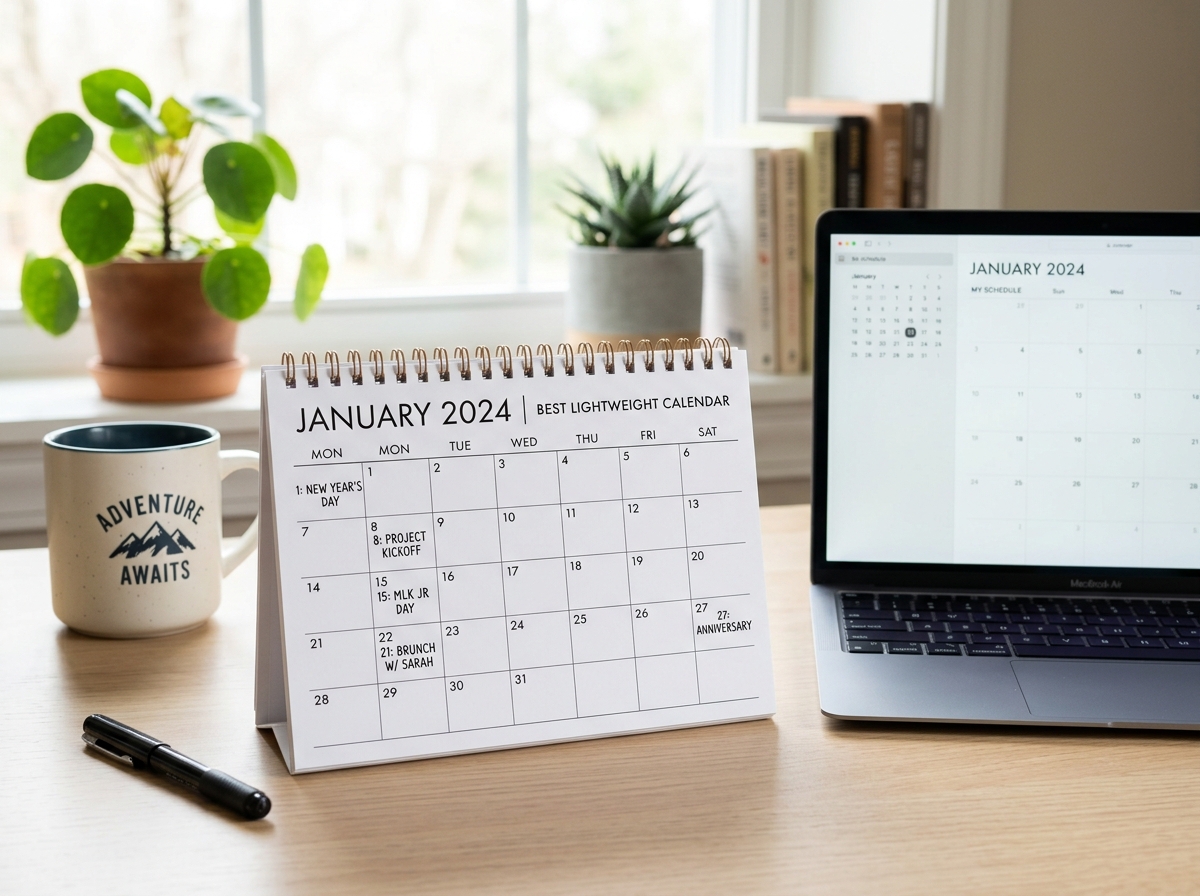
If you’re Organizing Your Digital Life: Starting Simple and Staying Productive, you might find that a shared physical space for the calendar reduces the “mental load” for everyone in the house.
Portable Paper Alternatives for 2026-2027
For many of us, the best lightweight calendar 2026 is one that requires no battery at all. Paper planners offer a tactile experience that digital apps can’t replicate.
- Hobonichi Techo Weeks: This is a cult favorite for a reason. It’s roughly 4 by 6 inches, making it incredibly slim. It uses Tomoe River paper—which is thin but handles ink beautifully—allowing a full year of planning to fit in a wallet-sized footprint.
- Midori MD Notebook: For the ultimate minimalist, this Japanese notebook offers a clean, cream-colored layout that stays out of your way.
- Roterunner Purpose Planner (A5): At around $25, this is a budget-friendly, slim-profile option that fits easily into a work bag without adding bulk.
Using a physical planner can be a great way to explore Minimalist Calendar Apps for Productivity by giving you a break from screen time.
Frequently Asked Questions about the Best Lightweight Calendar 2026
Selecting the right tool often comes down to the “how” and “why” of your daily routine.
How do lightweight calendars handle offline functionality?
Most lightweight apps, like Simple Calendar, are designed with an “offline-first” mentality. This means your data is stored directly on your phone’s internal storage rather than a distant cloud server. This provides three main benefits:
- Speed: The app doesn’t have to wait for a signal to show your schedule.
- Privacy: Your appointments aren’t being tracked or analyzed by advertisers.
- Stability: The app won’t crash just because your Wi-Fi is spotty.
You can read more about these privacy-first features at Simple Calendar | Simple Mobile Tools.
What are the best ultra-lightweight alternatives to apps?
If even a “simple” app feels like too much, consider these “analog” lightweight options:
- Index Cards: A 300-pack is incredibly cheap and offers the ultimate “one day at a time” view.
- Minimalist Bullet Journaling: Using a simple pocket notebook to jot down only what is necessary.
- gsimplecal: For Linux users, this is a ultra-minimalist GTK calendar that simply pops up when you click your system clock and disappears when you’re done.
For more niche app recommendations, browse our Apps category.
Can lightweight apps sync with Google or Apple Calendar?
Yes! Most of the digital tools we recommend support the CalDAV protocol. This is the industry standard that allows different calendar services to talk to each other. By using CalDAV, you can “pull” your busy work schedule into a lightweight app like Simple Calendar, giving you the best of both worlds: a powerful backend with a fast, clean frontend.
For more help on making your tech work together, check out our Time-Saving Tips for Digital Organization.
Conclusion
Finding the best lightweight calendar 2026 isn’t about finding the app with the most features—it’s about finding the one that has exactly what you need and nothing more. Whether you choose the privacy of Simple Calendar, the desktop speed of Calendaromatic, or the tactile simplicity of a Hobonichi Techo, the goal is to reclaim your time.
At Tambas Tech, we believe that your tools should serve you, not the other way around. By choosing a minimalist workflow, you reduce digital friction and save your sanity for the things that truly matter. For more expert reviews and guides to help you navigate the digital world, visit us at https://tambastech.com/.
