
Your Photos Are More Exposed Than You Think
The best photo privacy apps available right now are:
- Private Photo Vault – Best overall, with PIN/pattern lock, decoy password, and encrypted cloud backup
- Keepsafe – Most popular, with 50M+ users, fingerprint auth, and timed photo sharing
- LockMyPix – Best encryption, using TRUE AES (bank and government grade)
- SnapSafe – Best for privacy purists: free, open-source, local-only storage
- PhotoGuard – Best for Android users wanting local-only AES-256 encryption
Think about how many times you’ve handed your phone to someone — and quietly hoped they wouldn’t swipe too far.
Your camera roll holds a lot. Personal moments, sensitive documents, photos you’d never want a stranger to see. And yet, most phones leave all of it wide open to anyone who picks them up.
That’s exactly the problem photo privacy apps solve.
These apps lock your photos and videos behind a PIN, fingerprint, or face scan. Many go further — encrypting your files so they’re unreadable even if someone gets past your screen lock. Some can even catch intruders in the act, snapping a photo of anyone who tries to break in.
The options range from simple vaults to surprisingly sophisticated tools. Some store everything locally on your device. Others offer encrypted cloud backup. A few are free and open-source. Some collect more of your data than you might expect.
This guide cuts through the noise and compares the 5 best photo privacy apps — so you can pick the right one for how you actually use your phone.
Why You Need Photo Privacy Apps for Digital Security
We often think of our smartphones as private extensions of ourselves, but in reality, they are surprisingly public. Whether it’s a friend swiping through your gallery after you show them a single meme, or a more serious threat like a lost or stolen device, your media is constantly at risk. This is where photo privacy apps become essential.
Protecting your media isn’t just about hiding “embarrassing” selfies; it’s about comprehensive digital security. Many of us use our phone cameras to snap quick references of sensitive documents, such as driver’s licenses, credit cards, or health insurance forms. If these fall into the wrong hands, you aren’t just dealing with a privacy breach—you’re facing a high risk of identity theft.
By using dedicated privacy tools, you are actively preventing identity theft through digital cleanup by moving these high-stakes images out of your general, unencrypted gallery and into a secure environment. Furthermore, as we all become more aware of our digital footprint, it’s important to realize that photos often contain “EXIF data”—hidden metadata that includes the exact GPS coordinates of where a photo was taken. Photo privacy apps help strip this data, ensuring that a shared photo doesn’t accidentally reveal your home address to the world.
Core Security Mechanisms: PINs, Biometrics, and Encryption
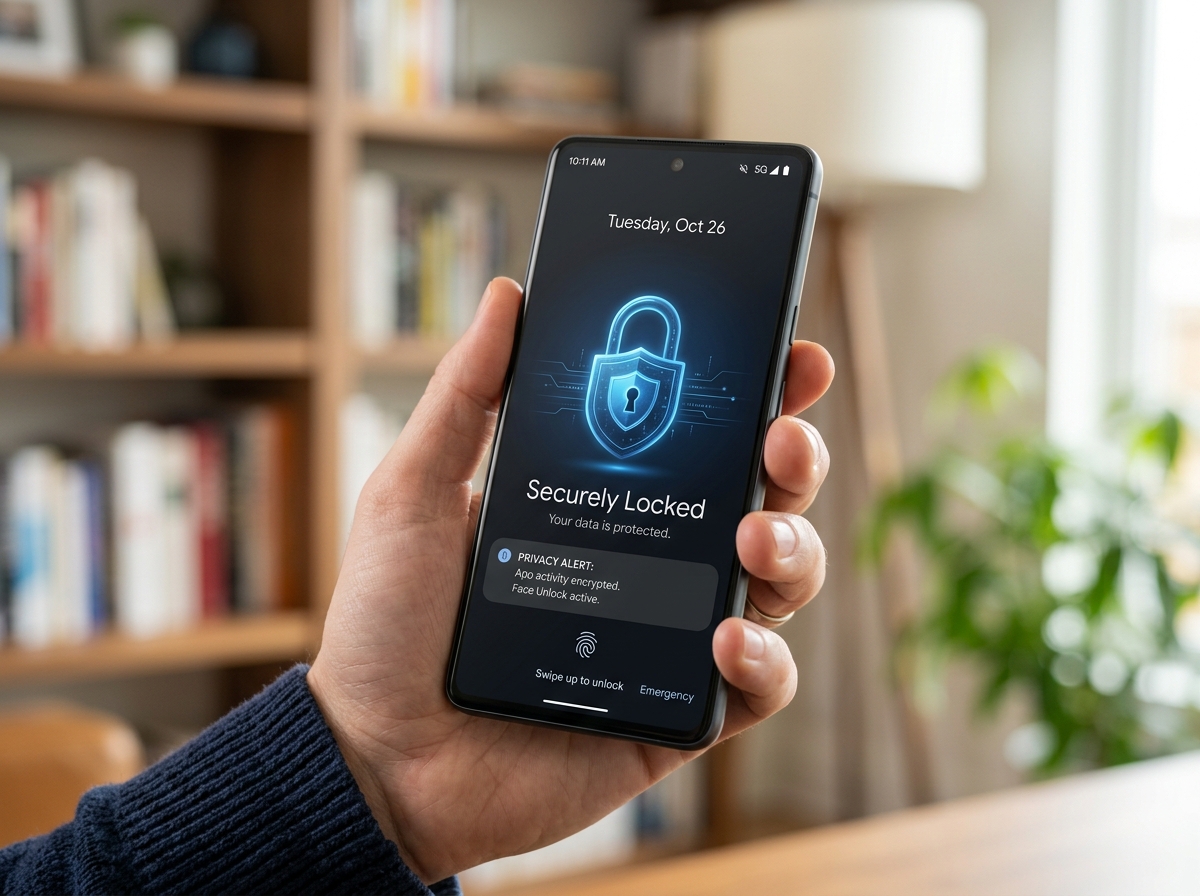
How exactly do these apps keep the “prying eyes” out? Most photo privacy apps utilize a multi-layered approach to security. At the basic level, you have the “gatekeeper” features: PIN protection, pattern locks, and biometric authentication like Fingerprint or Face ID. These prevent someone from simply tapping the app icon and seeing your content.
However, the real heavy lifting is done by encryption. High-quality apps like PhotoGuard use AES-256 bit encryption. To put that in perspective, AES-256 is the same “military-grade” standard used by banks and government agencies to protect top-secret data. When your photos are encrypted, they are scrambled into a code that is impossible to read without your specific digital key. Even if a hacker managed to extract the files from your phone’s memory, they would see nothing but gibberish.
For those looking for encrypted storage solutions for minimalists, the goal is to find an app that balances this high-level security with a clean, easy-to-use interface. You want the protection of a digital fortress without the complexity of a NASA control room.
Advanced Features in Modern Photo Privacy Apps
Beyond simple locks, modern photo privacy apps have developed some “James Bond” level features to deter intruders:
- Break-in Reports: Apps like Private Photo Vault and Keepsafe can secretly take a photo using the front-facing camera whenever someone enters a wrong PIN. Some even log the GPS location of the attempt.
- Decoy Vaults (Fake PINs): This is a brilliant feature for “forced access” situations. You can set up a secondary PIN that opens a completely different, “boring” set of photos. If someone demands you open the app, you give them the fake PIN, and your real secrets remain hidden.
- Face Masking: Tools like HiddenFace use AI to detect and blur faces or cover them with emojis. This is perfect for parents who want to share family photos on social media while protecting their children’s biometric privacy.
- Metadata Removal: Apps like Discretion focus on the “hidden” data. They strip away location tags and camera details, and can even simplify filenames to prevent source tracing.
- Steganography: This is the art of hiding data in plain sight. PhantomSnap uses this to embed your encrypted private photo inside a harmless-looking decoy image (like a picture of a cat or a landscape) that sits right in your main gallery.
Local vs. Cloud Storage: Navigating Privacy Trade-offs
One of the biggest decisions you’ll make when choosing photo privacy apps is where your data actually lives. There are two main philosophies:
- Local-Only Storage: Apps like SnapSafe and PhantomSnap operate 100% offline. Your photos never leave your device.
- Pros: Maximum privacy; no risk of a server-side hack; no one but you can ever see the photos.
- Cons: If you lose your phone or it breaks, and you haven’t made a manual backup, your photos are gone forever.
- Encrypted Cloud Sync: Apps like Private Photo Vault and Keepsafe offer a “Cloud Vault.”
- Pros: Convenience; you can access your photos across multiple devices; your media is safe even if your phone is destroyed.
- Cons: You are trusting a third party with your data.
When opting for cloud storage, it is vital to look for a “Zero-Knowledge” policy. This means the company encrypts your data using a password that only you know. Even the app developers cannot see your photos because they don’t have your key. We always recommend securing cloud storage accounts with strong, unique passwords and being aware of exactly what data the developer might collect for “analytics” or “tracking.”
How to Evaluate Photo Privacy Apps for Your Needs
Before you hit “Install,” we suggest looking at a few key factors to ensure you’re getting the best digital security for smartphone users:
- Platform Availability: Are you an iOS or Android user? While many apps are cross-platform, some features (like the “Shake-to-Lock” or certain UI elements) may differ between the two.
- Subscription Models: Many of the most popular apps use a “Freemium” model. You might get a basic vault for free, but features like break-in alerts, decoy PINs, or increased cloud storage (like Private Photo Vault’s 50GB tier) often require a monthly or yearly subscription.
- Transparency: Is the app open-source? Open-source apps like SnapSafe allow the public to inspect their code, which is a huge “green flag” for security.
- Data Collection Policies: Check the “Data Safety” section in the App Store or Play Store. Some apps may share your device ID or location with third parties for advertising, which might defeat the purpose of a “privacy” app for some users.
Frequently Asked Questions about Photo Privacy
What happens if I forget my vault password?
This is the “double-edged sword” of high security. If you are using a local-only app with no password recovery system, or a zero-knowledge cloud vault, forgetting your password usually means your photos are permanently lost. Developers intentionally don’t keep a “master key” for your privacy. Always write your master password down and keep it in a safe, physical location.
Can app developers see my hidden photos?
If the app uses true end-to-end, zero-knowledge encryption, the answer is no. For example, Private Photo Vault states that your Cloud Vault password is never backed up to their servers, making it impossible for employees to view your content. However, always read the privacy policy to ensure the “Private Cloud” isn’t just a standard, unencrypted server.
Are free photo privacy apps safe to use?
“Free” often comes with a different kind of cost. Many free photo privacy apps rely on advertisements, which might track your usage or device ID. If you want absolute privacy without paying, look for open-source projects or apps that explicitly state they collect no data, like the Discretion app or SnapSafe.
Conclusion
Choosing from the many photo privacy apps on the market doesn’t have to be overwhelming. If you want a feature-rich experience with cloud backup, Private Photo Vault and Keepsafe are battle-tested options used by millions. If you are a privacy purist who wants “military-grade” encryption without your data ever hitting a server, LockMyPix and SnapSafe are your best bets.
Digital privacy is an ongoing process, not a one-time setup. Regularly audit your apps, update your passwords, and stay informed. For more expert advice on keeping your digital life secure, check out our more privacy guides and reviews. Stay safe out there!
